
We are pleased to introduce Mnova 17.0.1, a minor release focused on improving reliability, compatibility, and usability across the Mnova Suite. While this update does not introduce major new functionality, it delivers important technology upgrades and bug fixes to provide a smoother, more robust user experience.
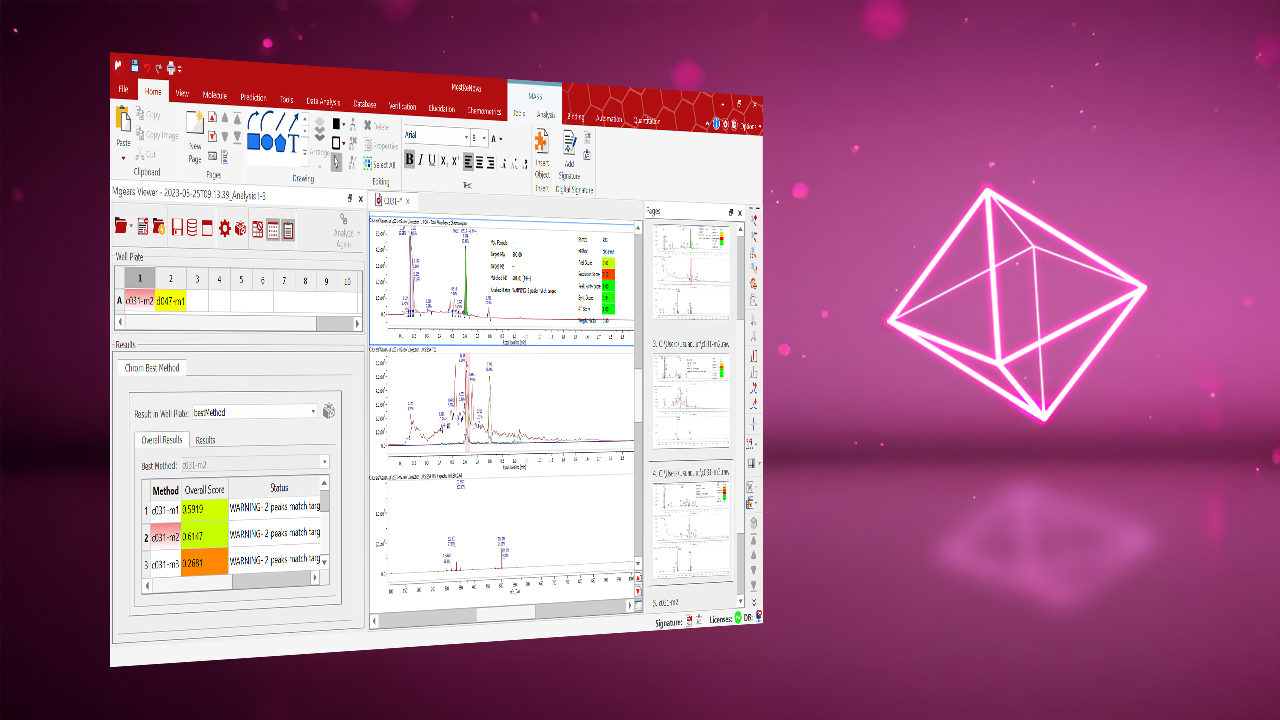
This release also includes updated versions of several Mnova plugins, including Mnova Gears 2.8.1, Chrom QC 2.0.1, and Chrom Cal 1.2.1. In addition, Chrom Best Method 2.0 is now available, introducing significant new capabilities to accelerate chromatographic method development and optimization. Be sure to explore our Chrom Best Method 2.0 – What's New & Top Features article to discover the latest enhancements and how they can help streamline your workflows.
Mnova Core Improvements
- Updated Python Environment
Mnova now includes the latest Python 3.11 version, providing a more modern and up-to-date foundation for scripting, integrations, and Python-based workflows. Users can benefit from improved compatibility with current Python tools and libraries.
- Enhanced Database Reliability and Security
The bundled SQLite database engine has been updated to a newer version, ensuring improved reliability, compatibility, and access to the latest maintenance and security updates.
- Updated User Interface Framework
Mnova now uses the latest Qt 6.5 framework. This underlying technology powers the application's interface and helps deliver improved stability, better compatibility with modern operating systems, and a stronger platform for future enhancements.
- Bug Fixes
Mnova 17.0.1 also includes a collection of bug fixes and maintenance updates that improve overall application performance across multiple workflows.
Mnova Gears 2.8.1
This release of Mnova Gears 2.8.1 focuses on bug fixes and usability improvements, delivering a more stable and user-friendly experience.
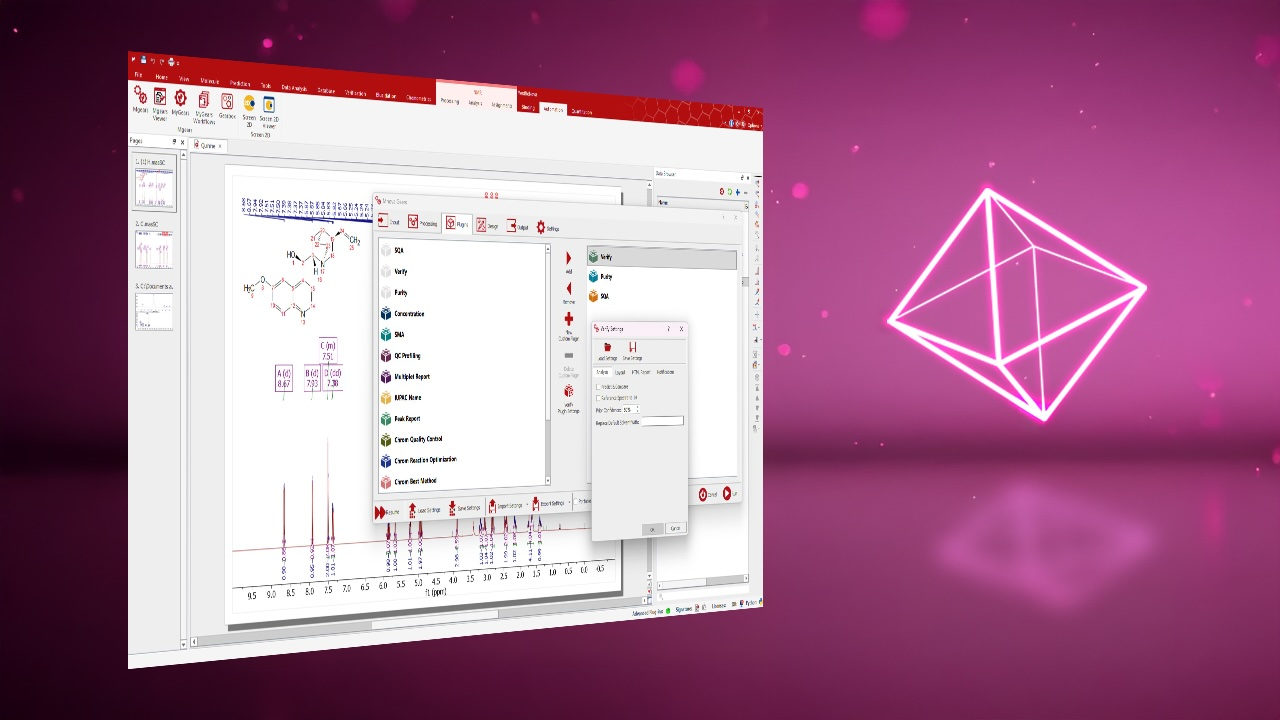
- Improved Labels and Help Descriptions in Mgears Viewer
To make navigation easier and improve overall usability, section names and help descriptions throughout the Mgears Viewer have been updated and refined.
These changes provide clearer guidance, improve consistency across the interface, and better align terminology with the latest versions of Mnova Gears, helping both new and experienced users navigate workflows more efficiently.
Chrom QC 2.0.1
- More Complete Information for Unknown Compounds
Chrom QC can now display both the most relevant mass signal and the strongest UV signal for the same unknown compound when UV data is available. Additionally, selecting an unknown compound now automatically shows the related mass spectrum and UV spectrum together, making investigation and identification easier.
- Smarter MS Spectrum Selection for Reports
Chrom QC now does a better job of finding and displaying the correct mass spectrum in reports, even in cases where the Total Ion Chromatogram (TIC) is not being quantified. The software uses a smarter selection process to identify the most relevant spectrum, helping ensure more reliable and consistent reporting results.
- Flexible Sources for Target Names
You can now choose where Chrom QC gets Target IDs (target names) from. Available options include a mapping file, parameters stored in Mnova, or labels defined in Mnova molecule files. This provides greater flexibility when working with different data sources and helps ensure target names match your preferred naming conventions.
Chrom Cal 1.2.1
- Cleaner and Easier-to-Read Reports
Reports now display just the file name instead of the full file path, making them cleaner, easier to read, and more suitable for sharing with colleagues.
- TICs Included Automatically
Total Ion Chromatograms (TICs) are now included by default in result documents, providing immediate access to one of the most commonly used chromatographic views without requiring additional configuration.
- Improved Traceability of Peak Assignments
Peak assignment settings are now recorded consistently, regardless of how the assignment was made. This includes assignments based on mass values (m/z), helping ensure better tracking and reproducibility of analyses.
- Easier Access to Configuration Settings
When opening the current settings from the Mgears Viewer, all configuration tabs are now available, making it easier to review and adjust settings from a single location.